[GUIDE] How To: Purchase a Melon Pass to Download & Stream
Purchase a Melon Package to Support Girl’s Day:
This guide explains how to buy a melon package using the iOS version of the Melon App. At this time international DAI5Y are unable to purchase using the Android version of the App because it requires an i-PIN. However, once a Melon package is purchased you can download and stream using your Android device.
The melon package was purchased through the Melon App with my iPad (iOS 8.2). Later, I hope to add screencaps from purchasing through an iPhone.
Click to Enlarge Images
The Melon App is only available in the Korea App store. To download the App you must change your country settings to 대한민국 (South Korea).
- Change your Country/Region
Follow these steps if you do not know how to change your country settings. You can access it through the “App Store” or “Settings”.


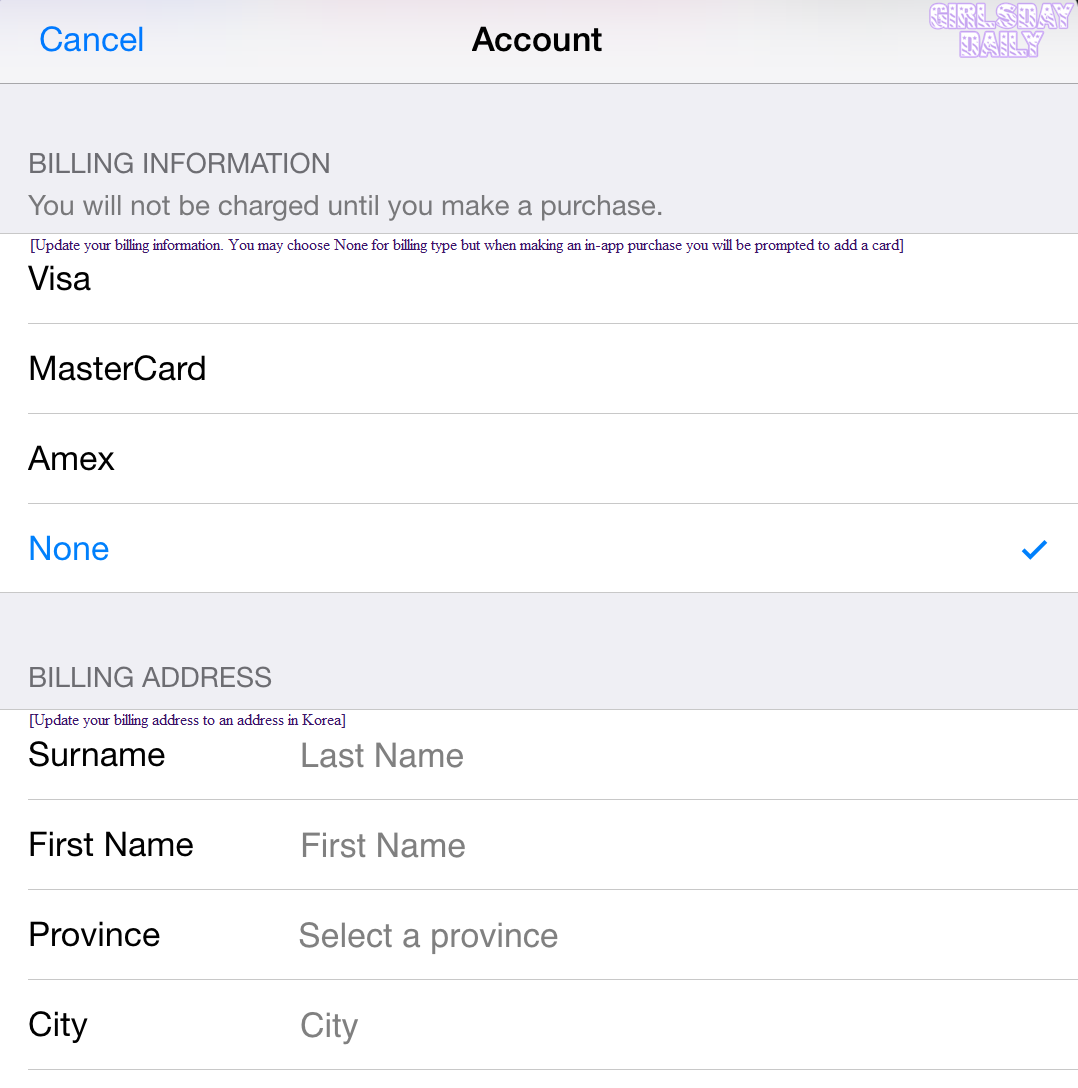
After you have purchased your package you can return your Country to its original setting.
- Download the Melon App
Go to the App Store and search Melon or 멜론.
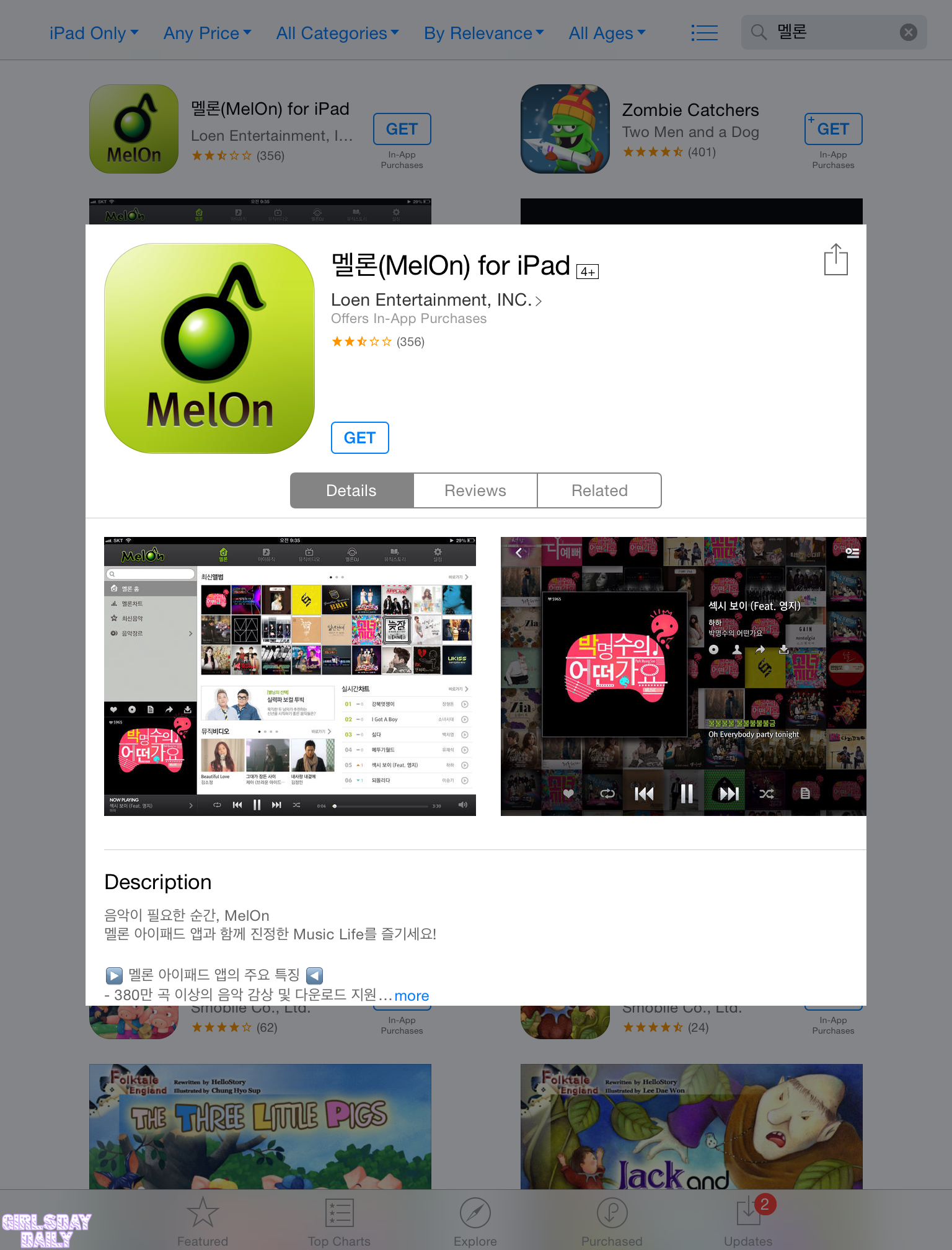
- Login
If you do not have a Melon account create one now using our guide.
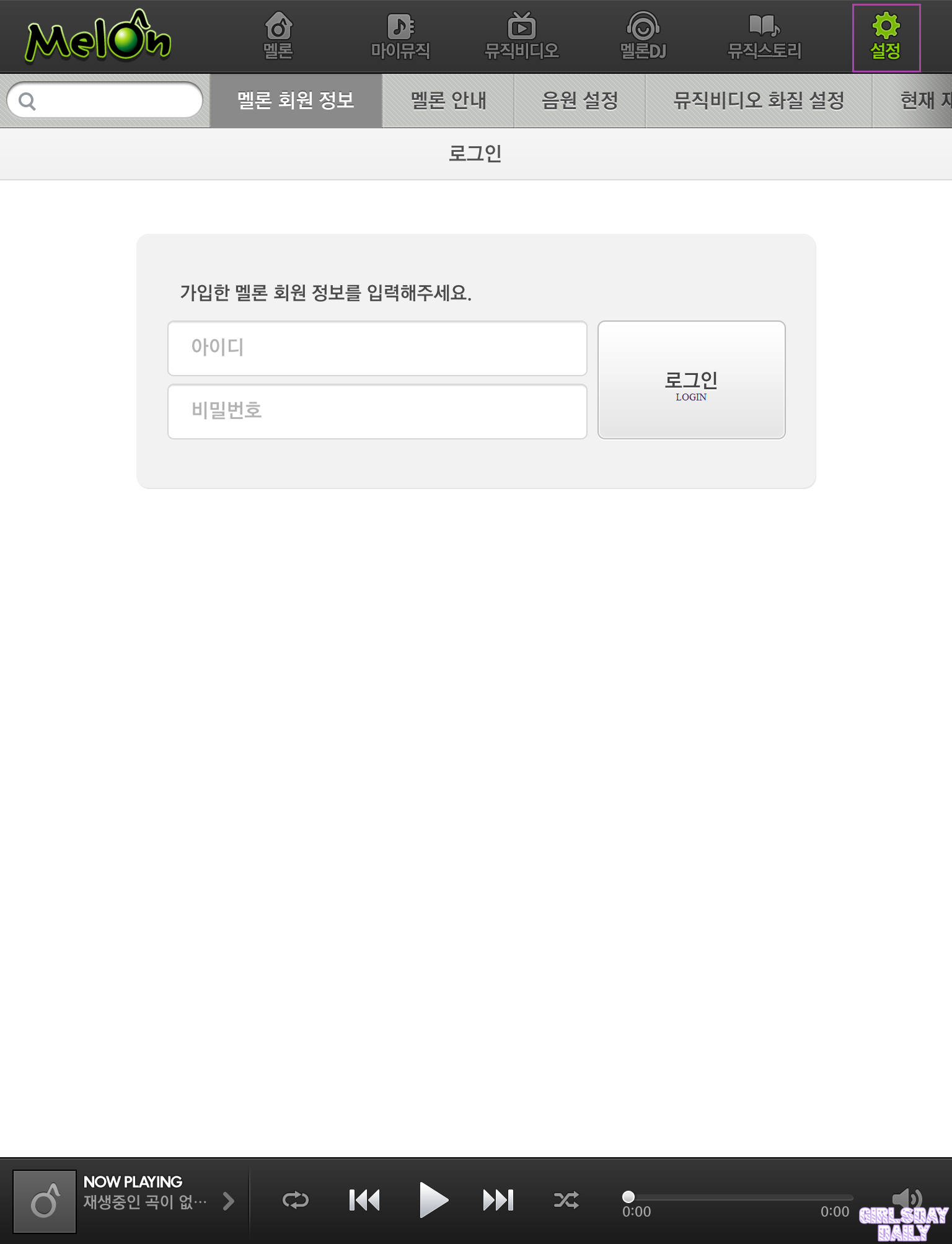
- Melon Package Options
After logging in you will be directed to your account page where you can check out the available packages. The Melon package will expire after 30 days so choose which is best for you.
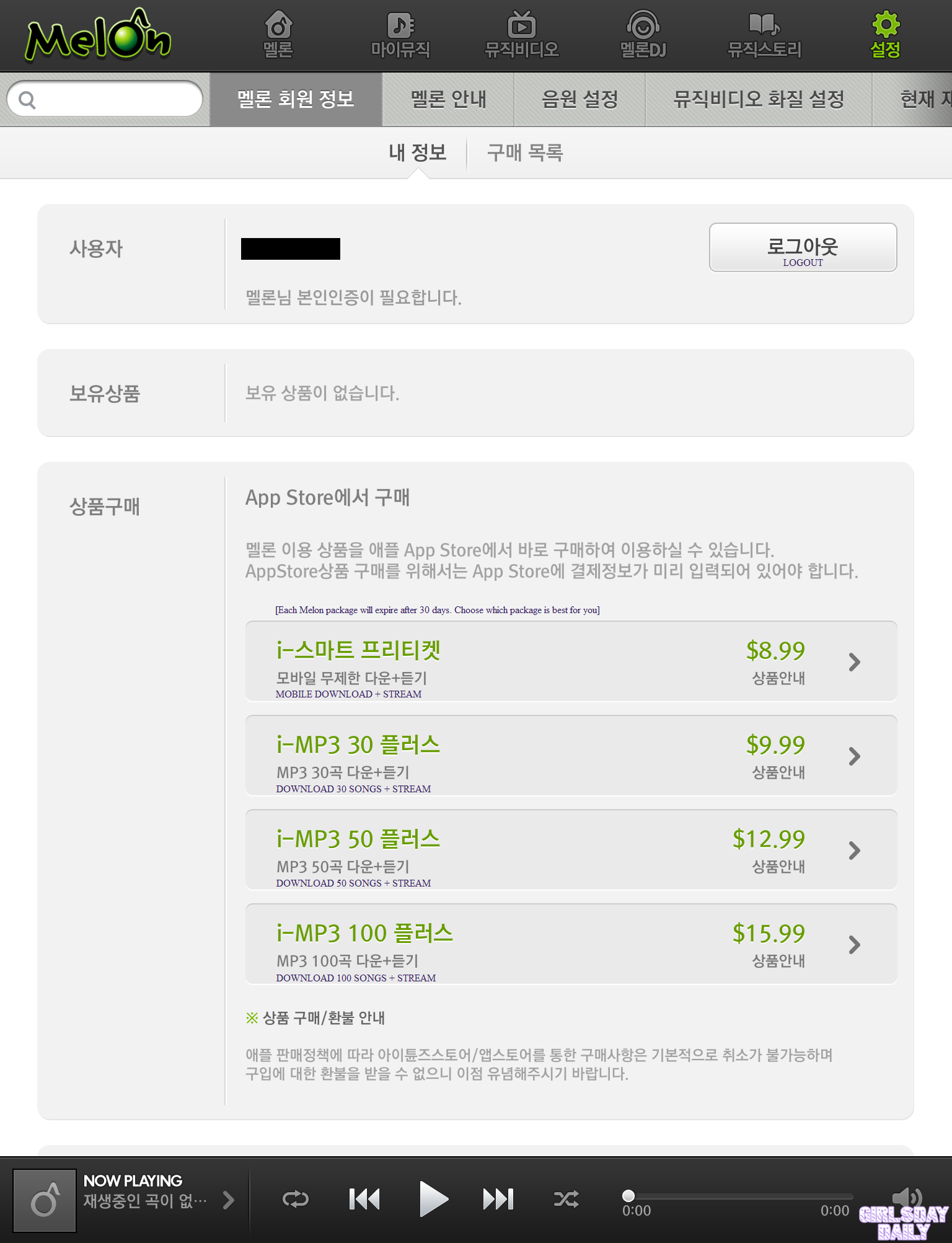
- i-스마트 프리티켓: $8.99 USD
This is primarily a streaming package. You can download the song, however it will be in a format playable only via the Melon App. We do not recommend buying this package because the “downloaded” songs are not considered as a song purchase.
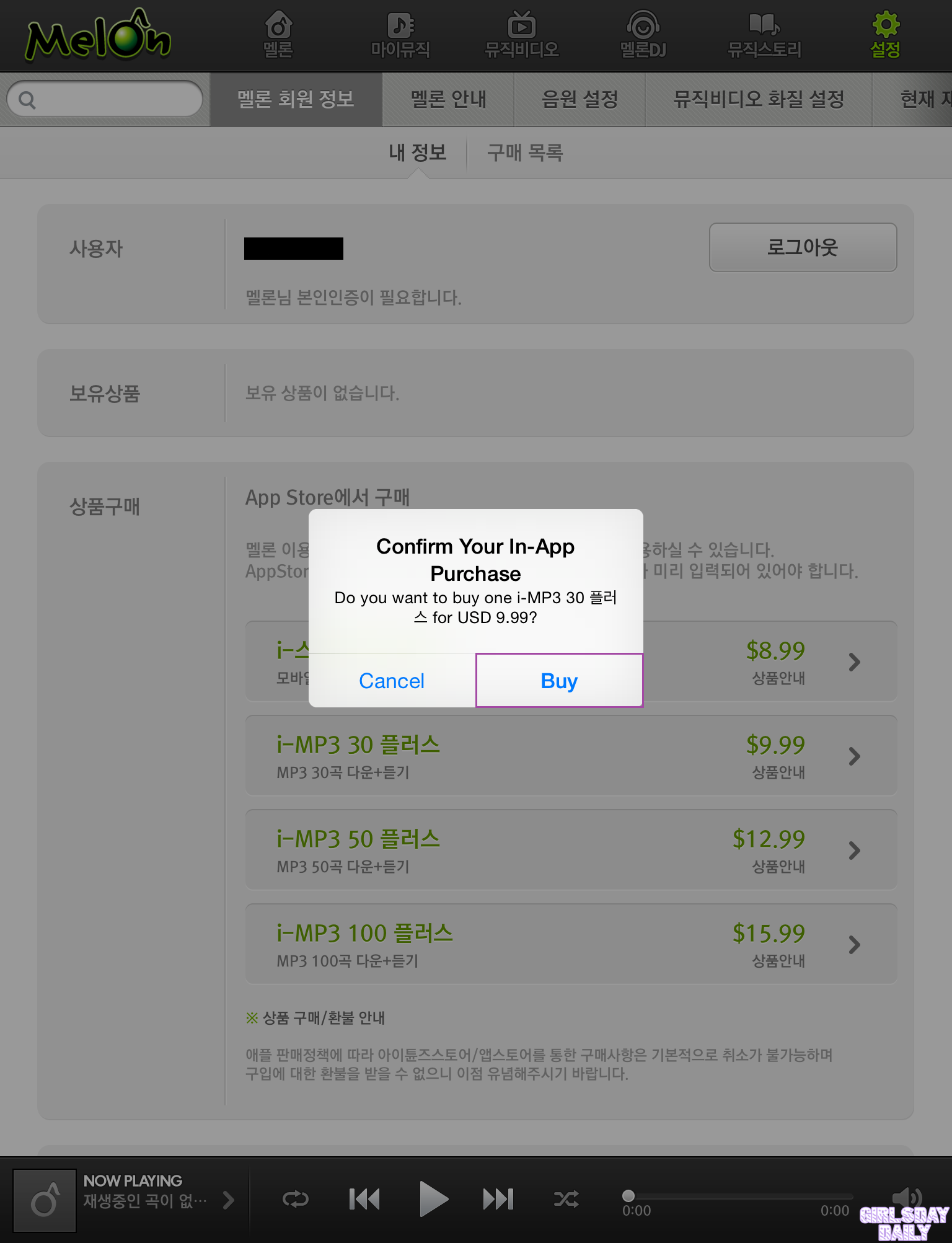
- i-MP3 30 플라스: $9.99 USD
This package allows you to stream and download 30 songs within a 30-day period. The download will be in mp3 format and can be transferred to other devices.
- i-MP3 50 플라스: $12.99 USD
This package allows you to stream and download 50 songs within a 30-day period. The download will be in mp3 format and can be transferred to other devices.
- i-MP3 100 플라스: $15.99 USD
This package allows you to stream and download 100 songs within a 30-day period. The download will be in mp3 format and can be transferred to other devices.
- Select Your Package
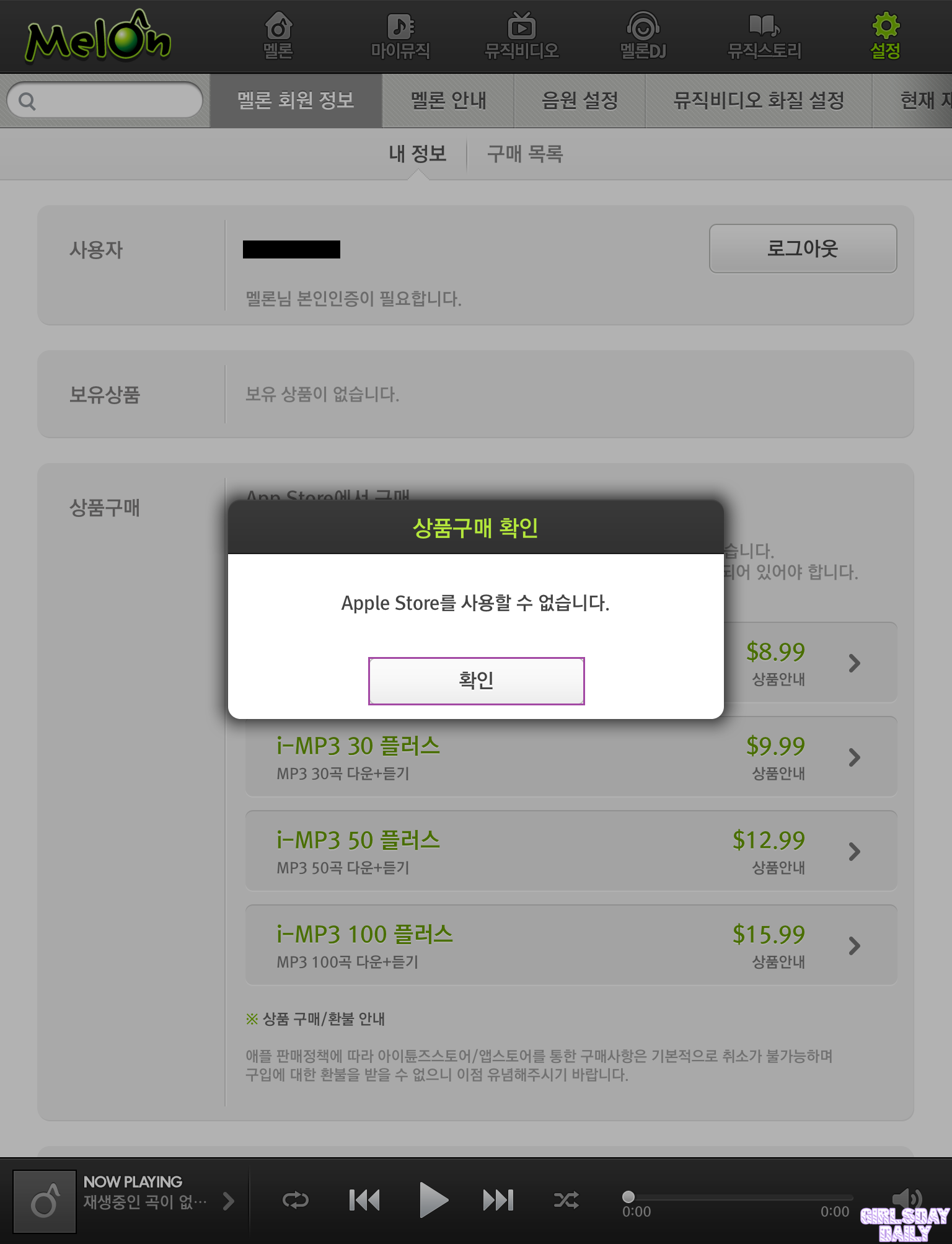
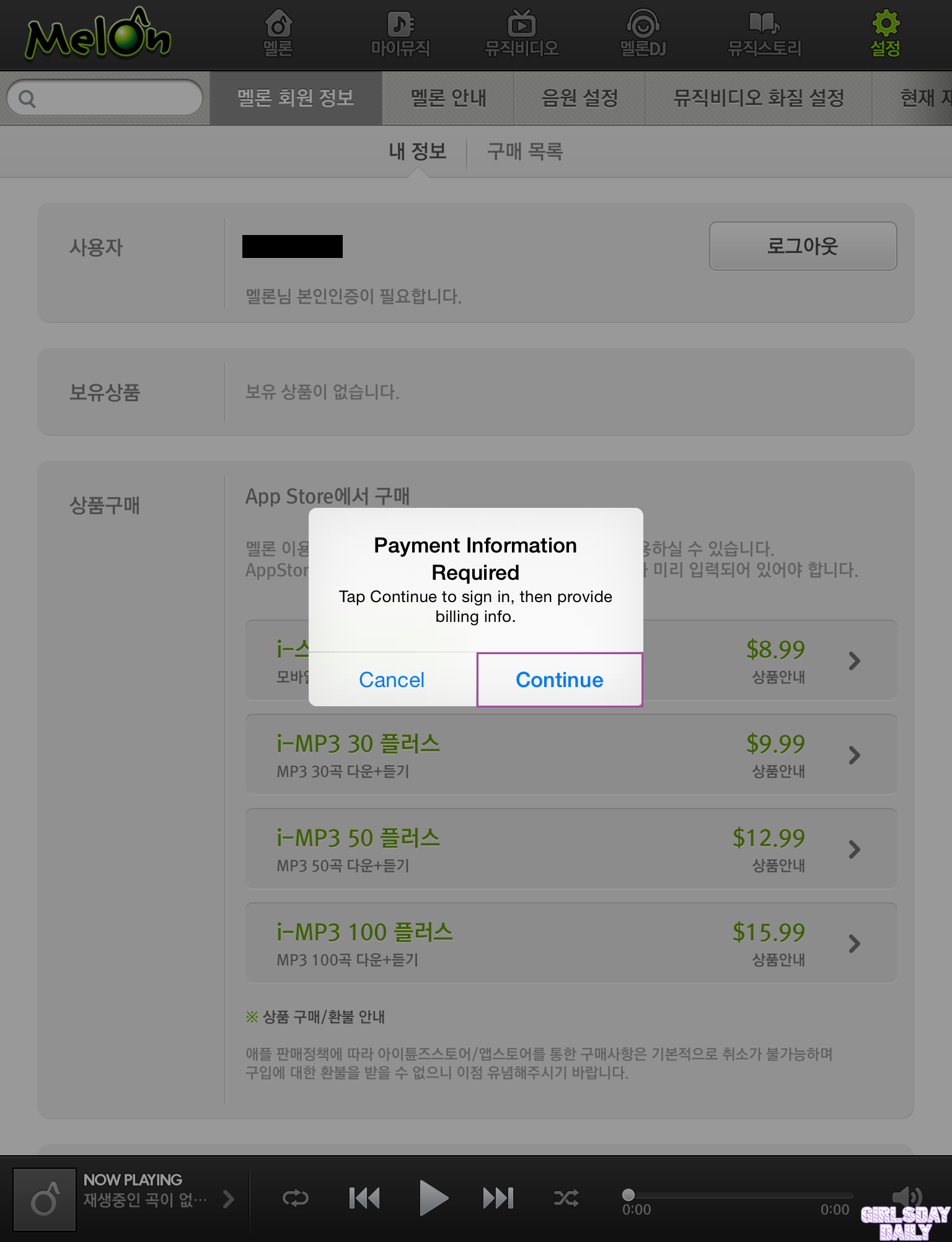
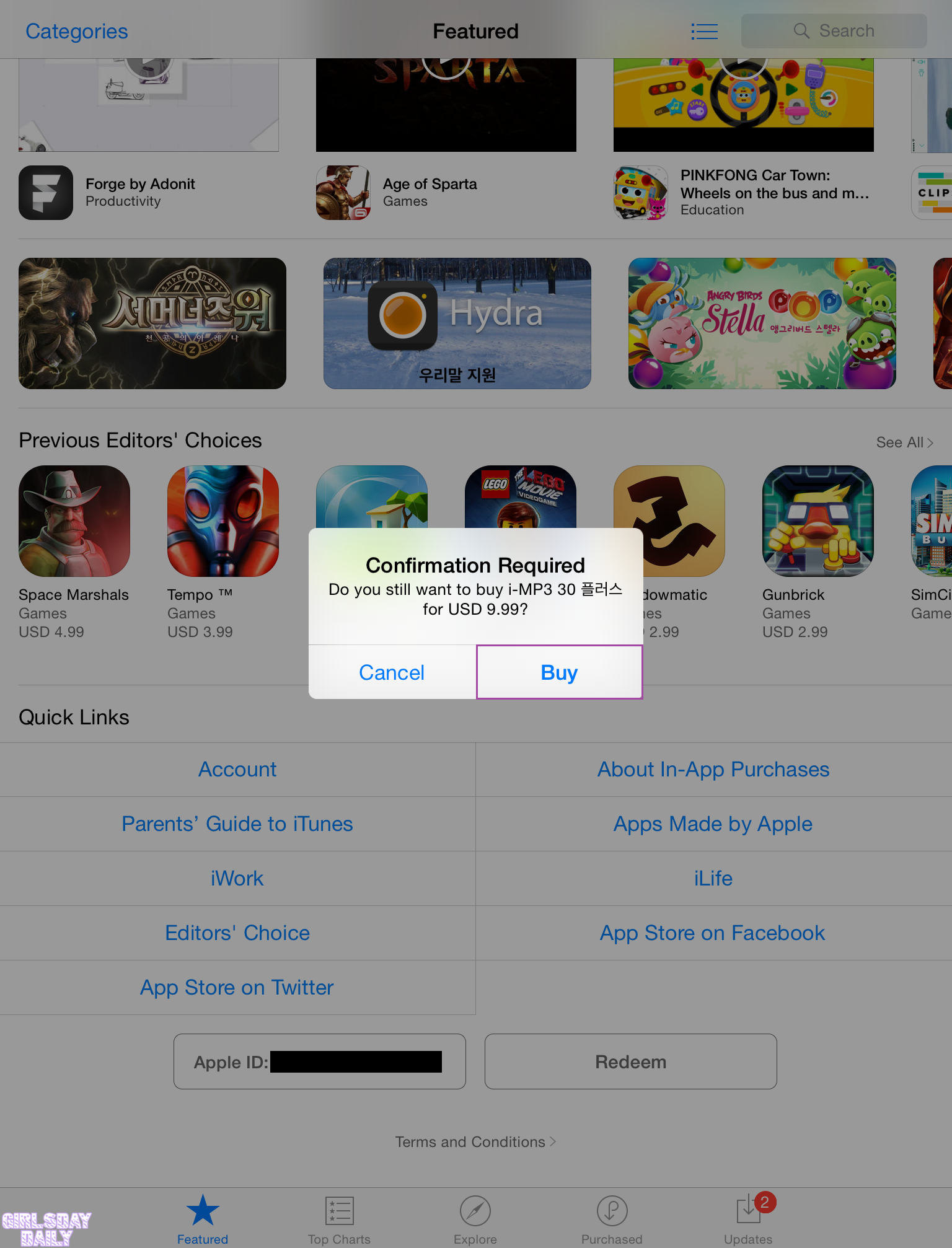
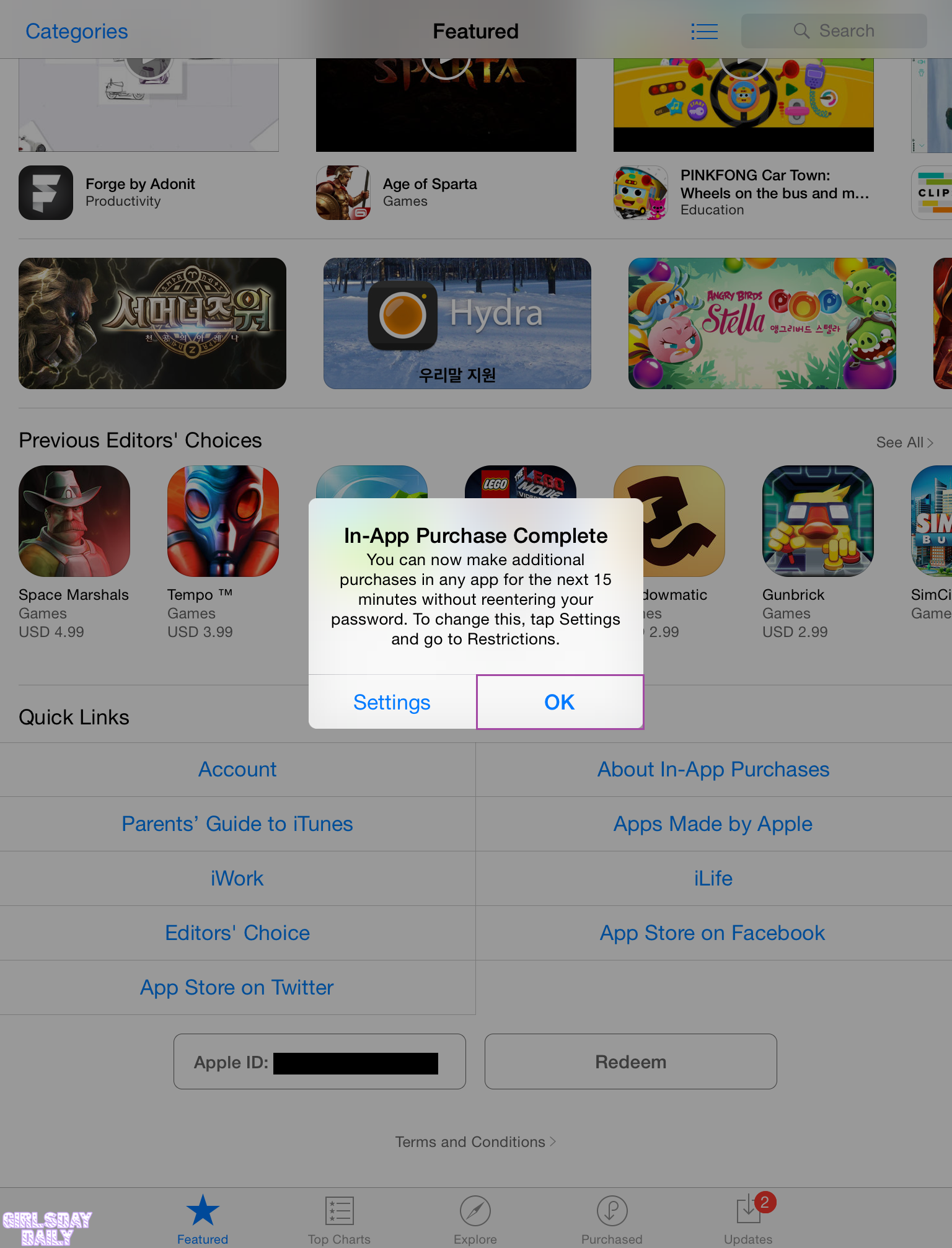
Once your package is selected you will be prompted to Confirm Your In-App Purchase. Login to your account and add your billing information if you chose “None” earlier. If you do not have a debit/credit card you may use an iTunes gift card. Confirm your order when your billing information has been updated.
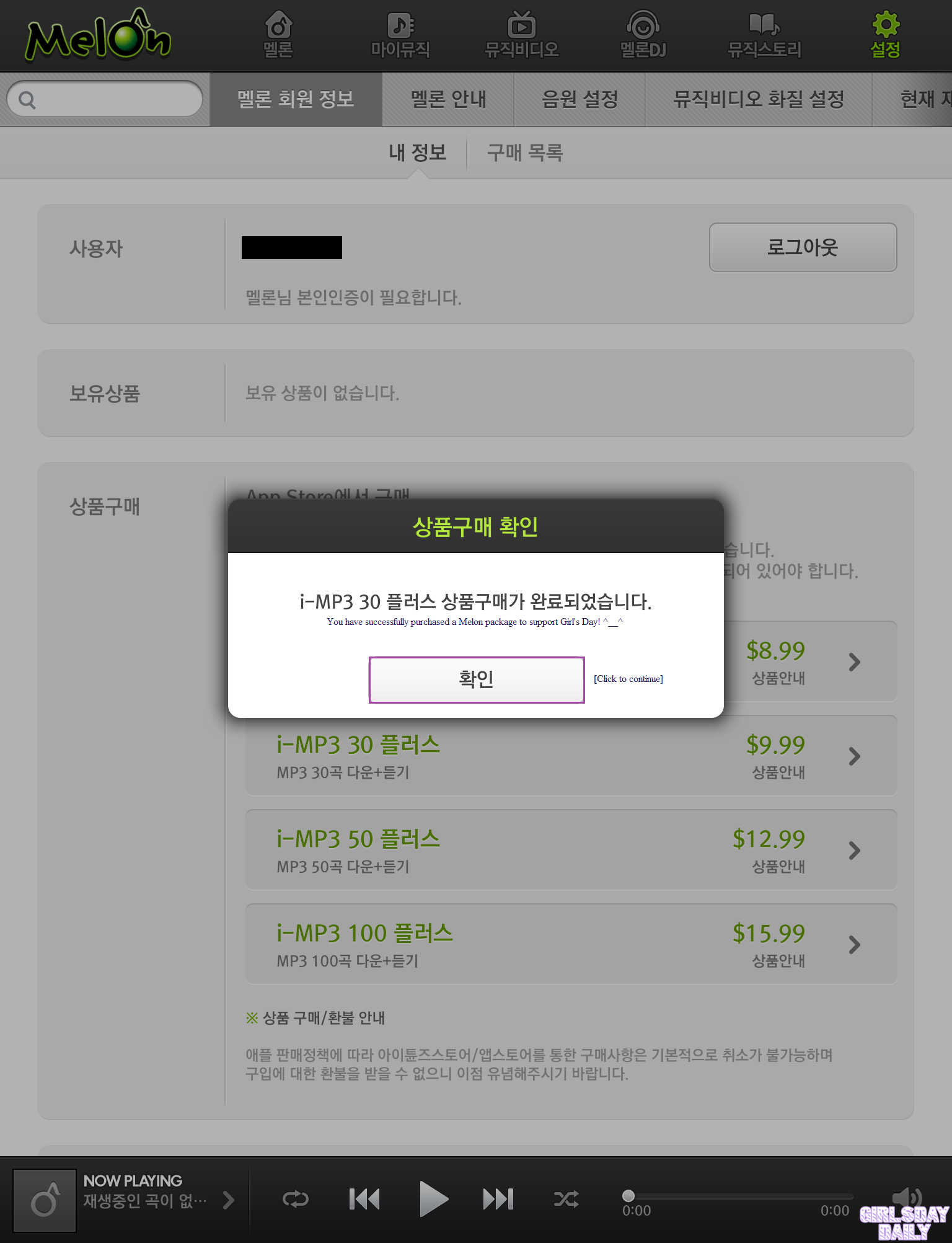
- Congratulations, you have successfully purchased a Melon package to support Girl’s Day!
You may now login to your Melon account from any device (including Android) and start downloading and streaming Minah’s song!
- Account Status
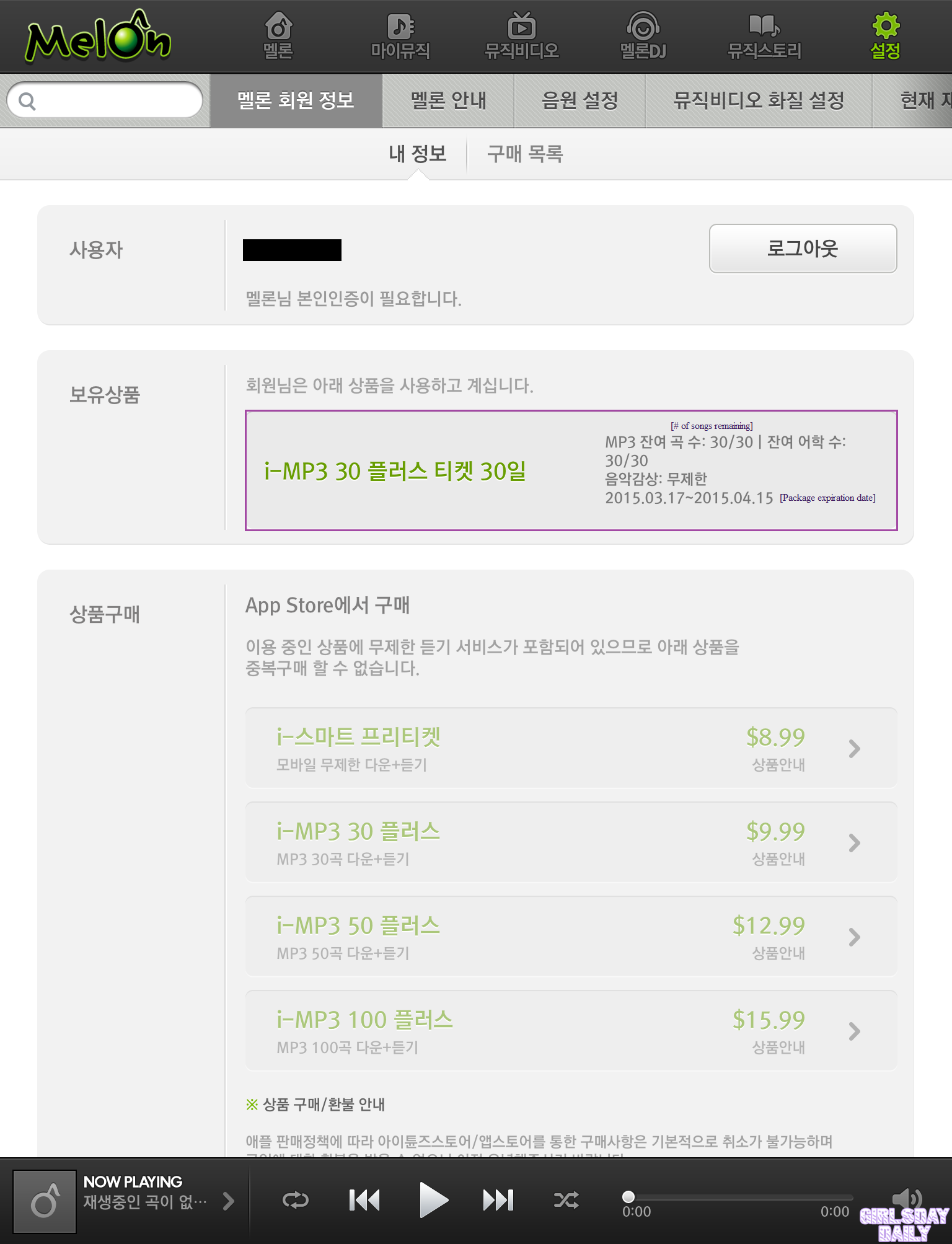
You may review your account at any time to check your song balance and package expiration date.
Guide By: Girl’s Day Daily